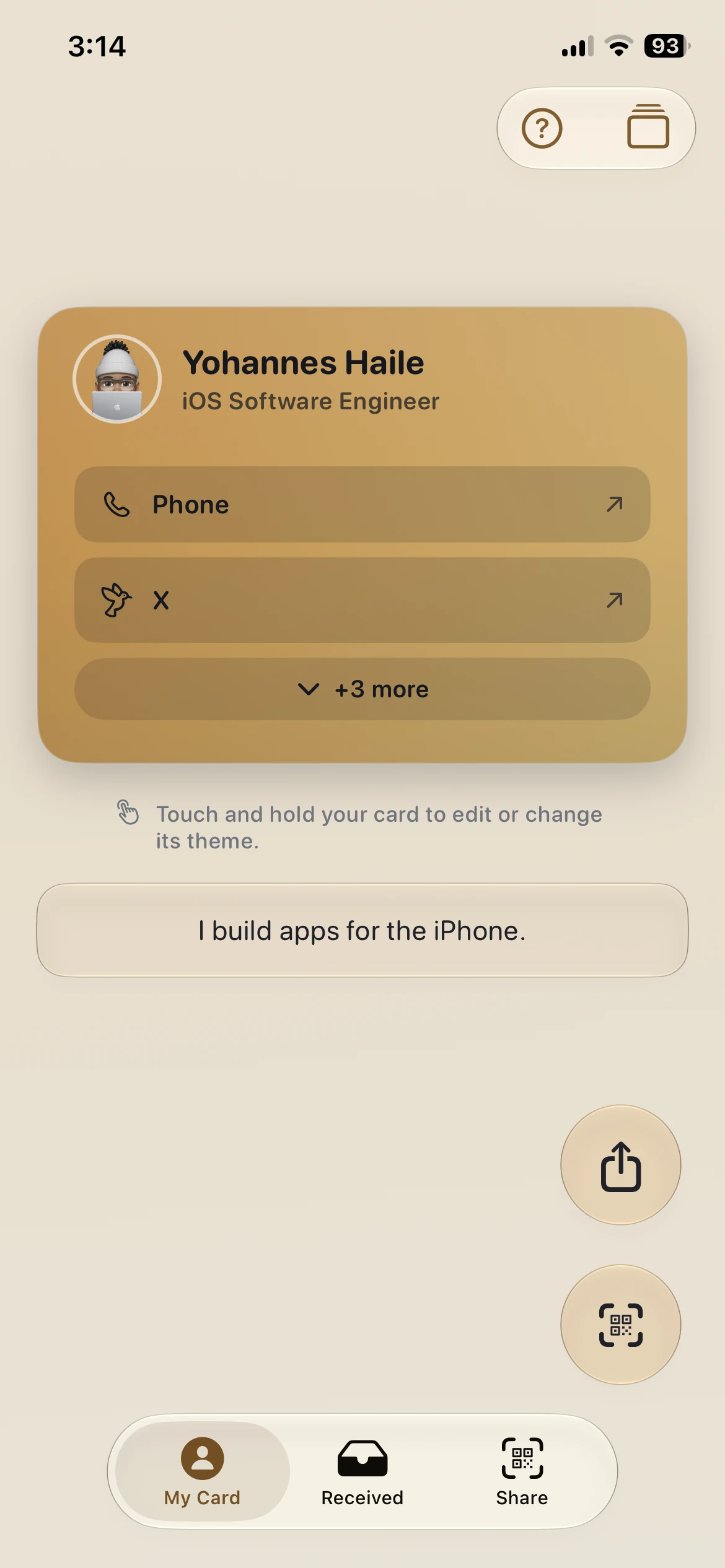
Screen 01
My Card Studio
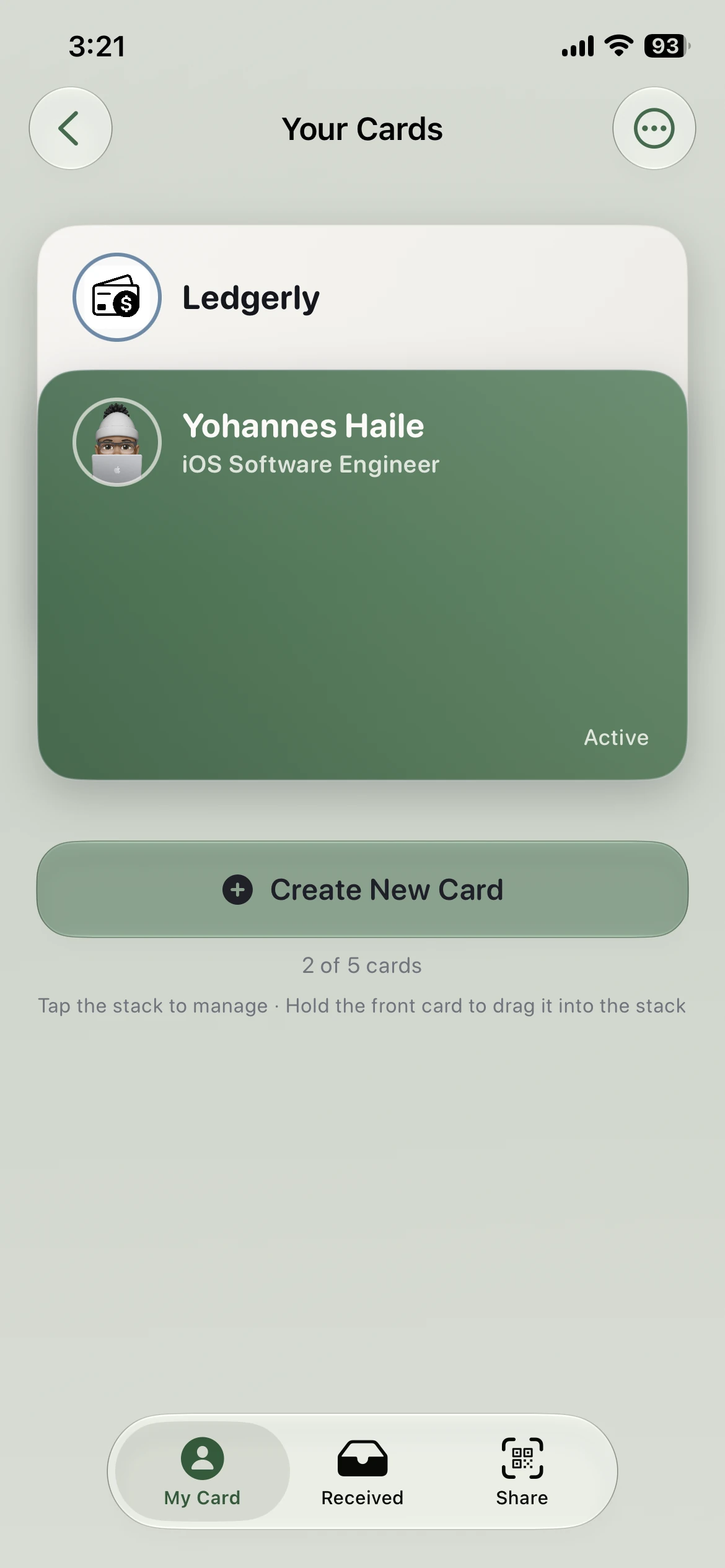
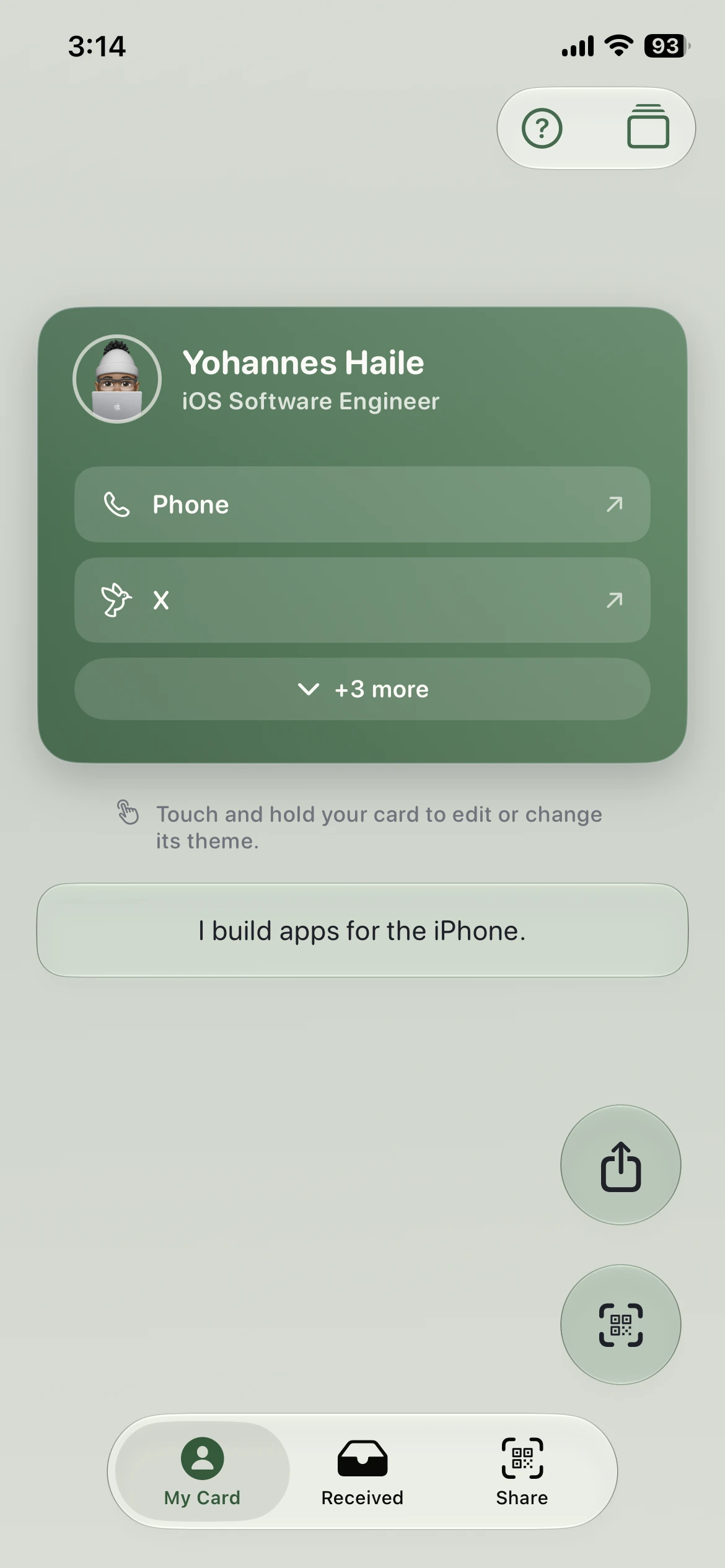
Your photo, headline, and links on one card — touch and hold to edit it or change its theme, and the whole app recolors to match.
 HandleMeby Novarch LLC
HandleMe lets you make a digital business card, share it by QR or as a PDF card with tappable links, and keep the cards you receive in one clean place — personal, quick, and ready for real meetups.

Build your card, style it, share it, then keep the cards you receive. These are actual screens from the App Store release.
Your photo, headline, and links on one card — touch and hold to edit it or change its theme, and the whole app recolors to match.
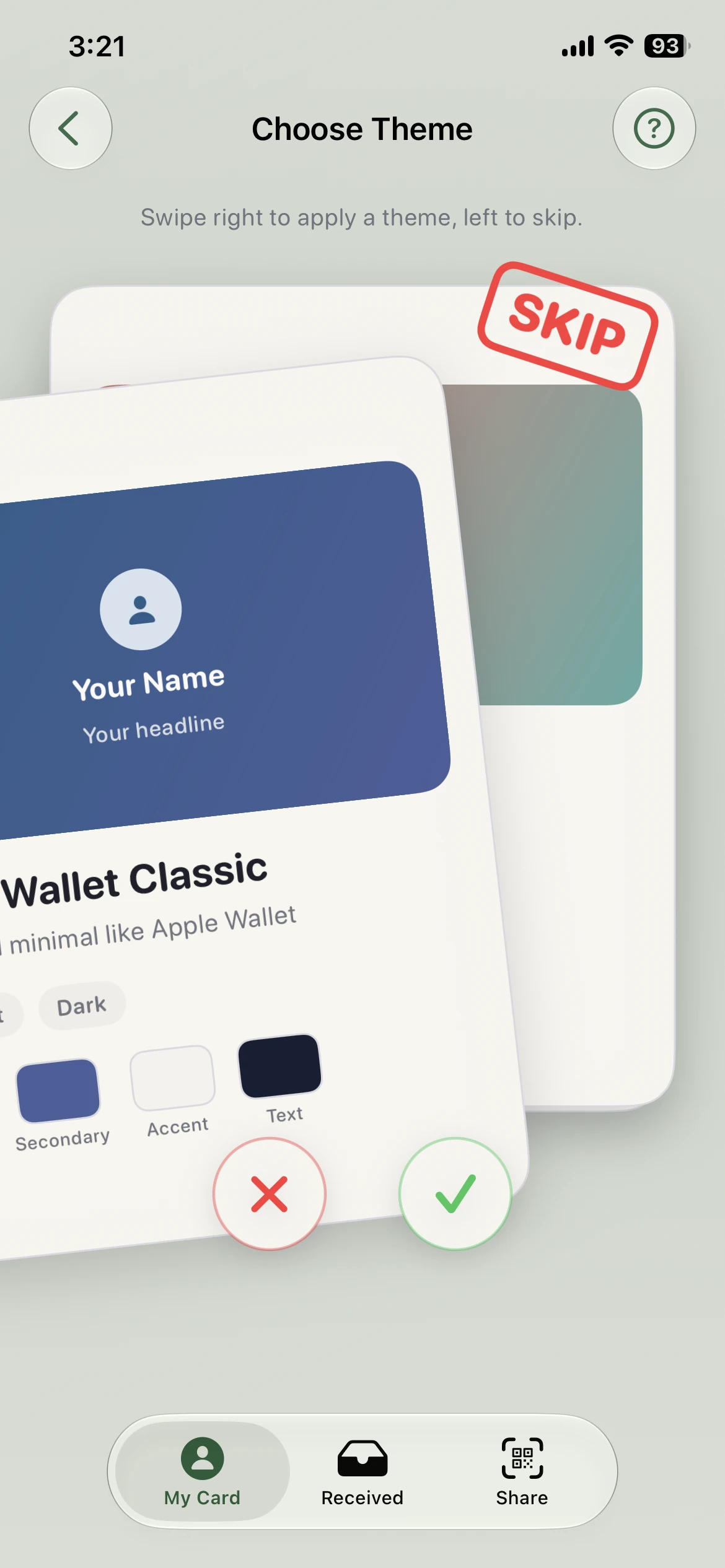
Keep up to five cards — work, personal, a side project — and pick which one is active. Themes are a deck you swipe through: right to apply, left to skip.
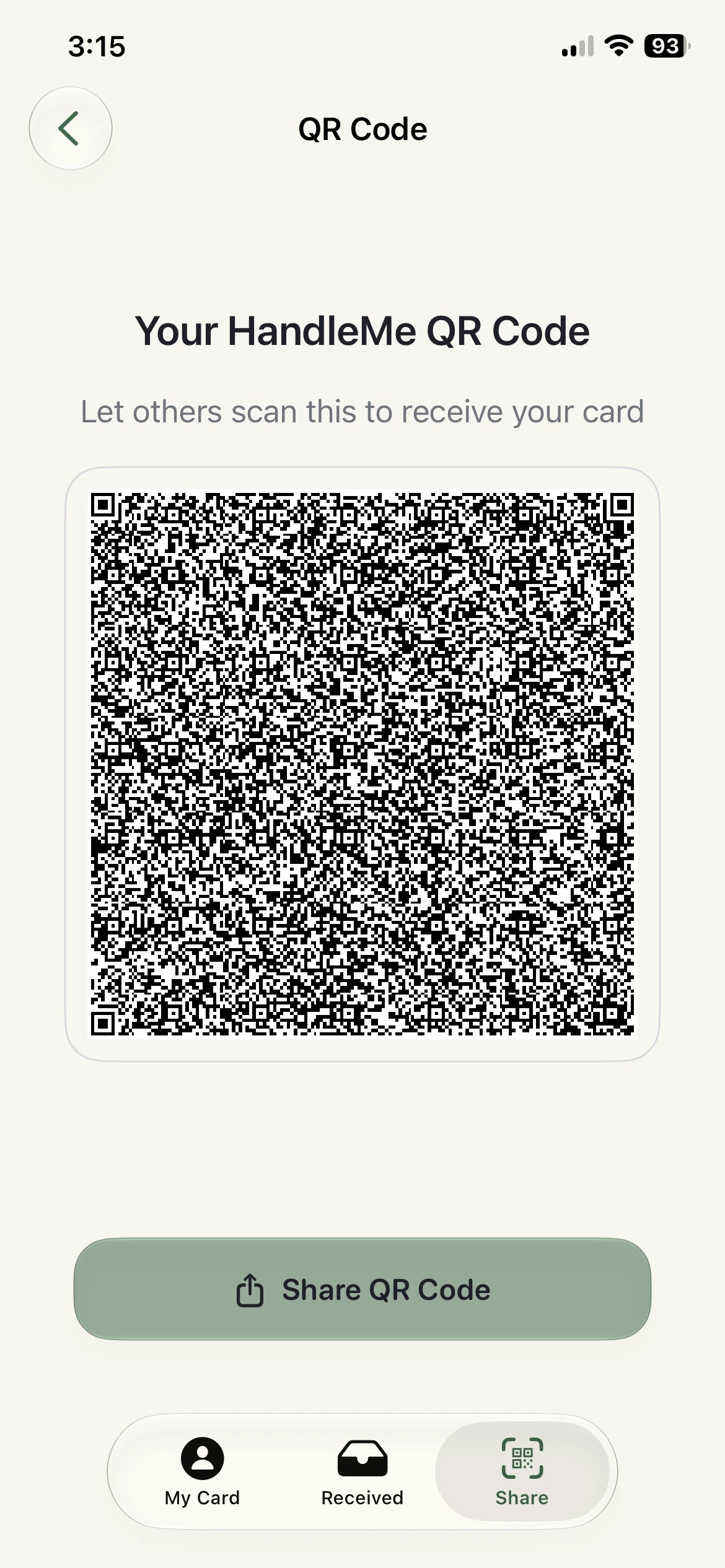
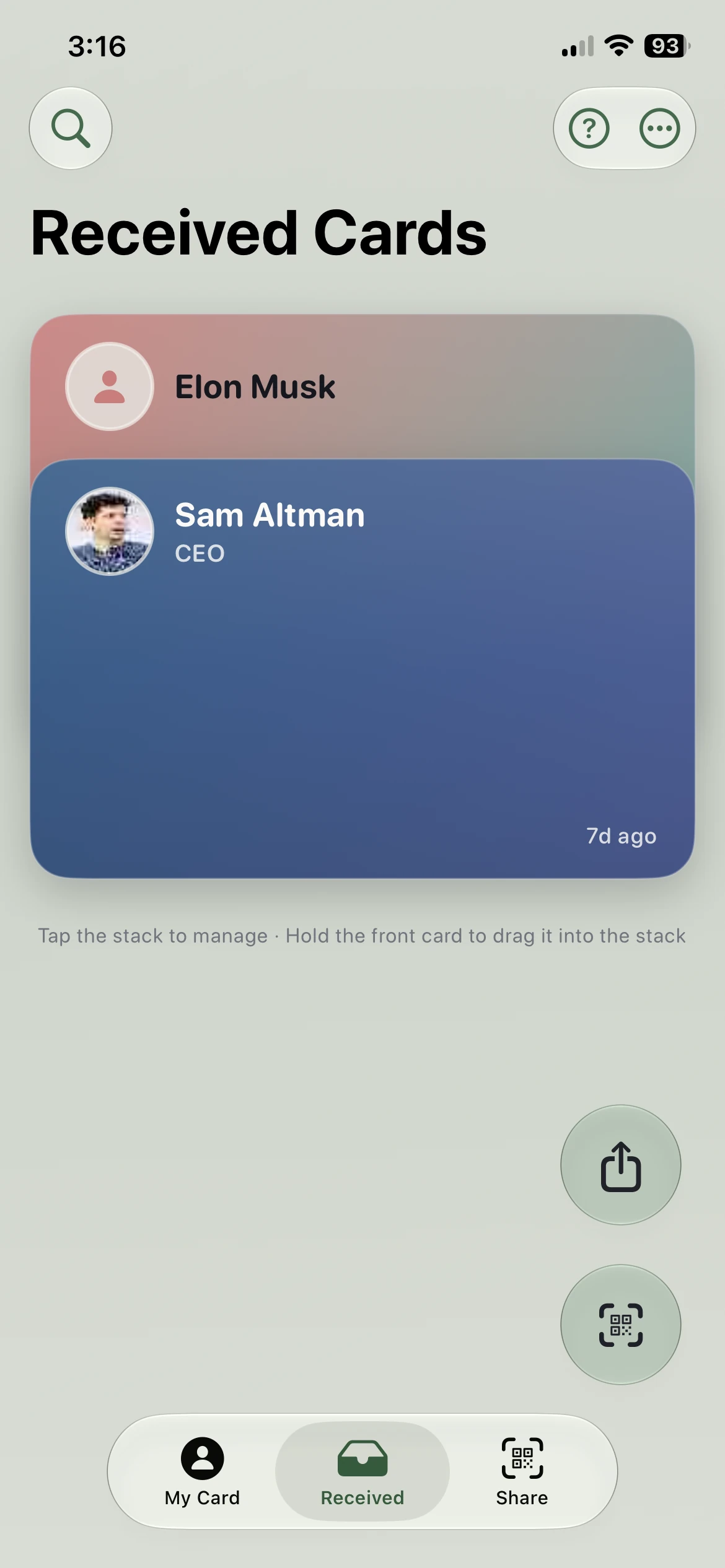
Show your QR and let others scan it, then keep every card you receive in a stack you can search and manage.
A focused set: your details, your card style, sharing, and saved contacts.
Details stay editable so your card can shift from a simple intro to a richer professional card.
Keep separate cards for work, personal, and side projects, and switch which one you share.
Themes come as a deck — swipe right to apply one, left to skip — and the whole app recolors to match your card.
Card details are kept QR-friendly so sharing stays fast in person.
If a QR code isn't the best fit, send your card as a PDF — every link on it stays tappable.
Scanned cards can be reviewed, stored, searched by name or detail, and cleared when done.
HandleMe starts with QR because it's fast in person. When a card needs more room, you can share it as a PDF with tappable links.
QR sharing is kept simple so handoffs feel fast in person.
When QR isn't the right fit, share your card as a PDF — the links stay tappable.
Saved cards stay in one place with search and delete controls so your list stays useful.