 DOTS
DOTS
You get about
4,000 weeks.
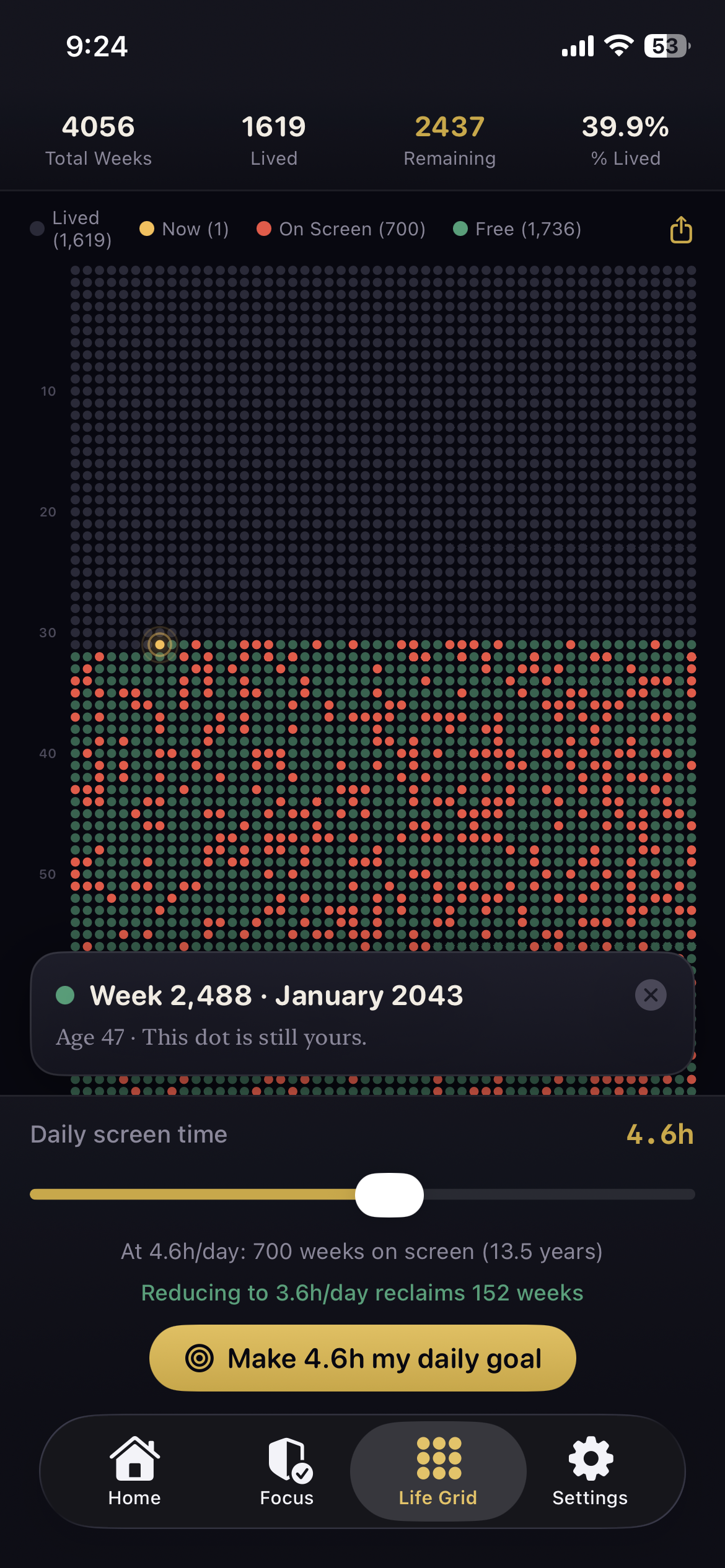
Every dot below is one week of a life. The dark ones are already spent. Drag the slider to your daily screen time and watch how many of the weeks you have left stop being yours.
Free · iPhone & iPadOn-deviceNo account
Based on a life of about 4,000 weeks. The average adult spends between four and five hours a day on their phone.
Seeing it is the part that works.
Screen-time reports show you minutes, and minutes are easy to ignore. DOTS converts the same numbers into the only currency you cannot earn more of.
Every week you have, drawn once
The weeks you have lived, the one you are in, the ones you are on pace to hand to a screen, and the free weeks still yours to claim. Drag the daily-habit slider and watch weeks come back.
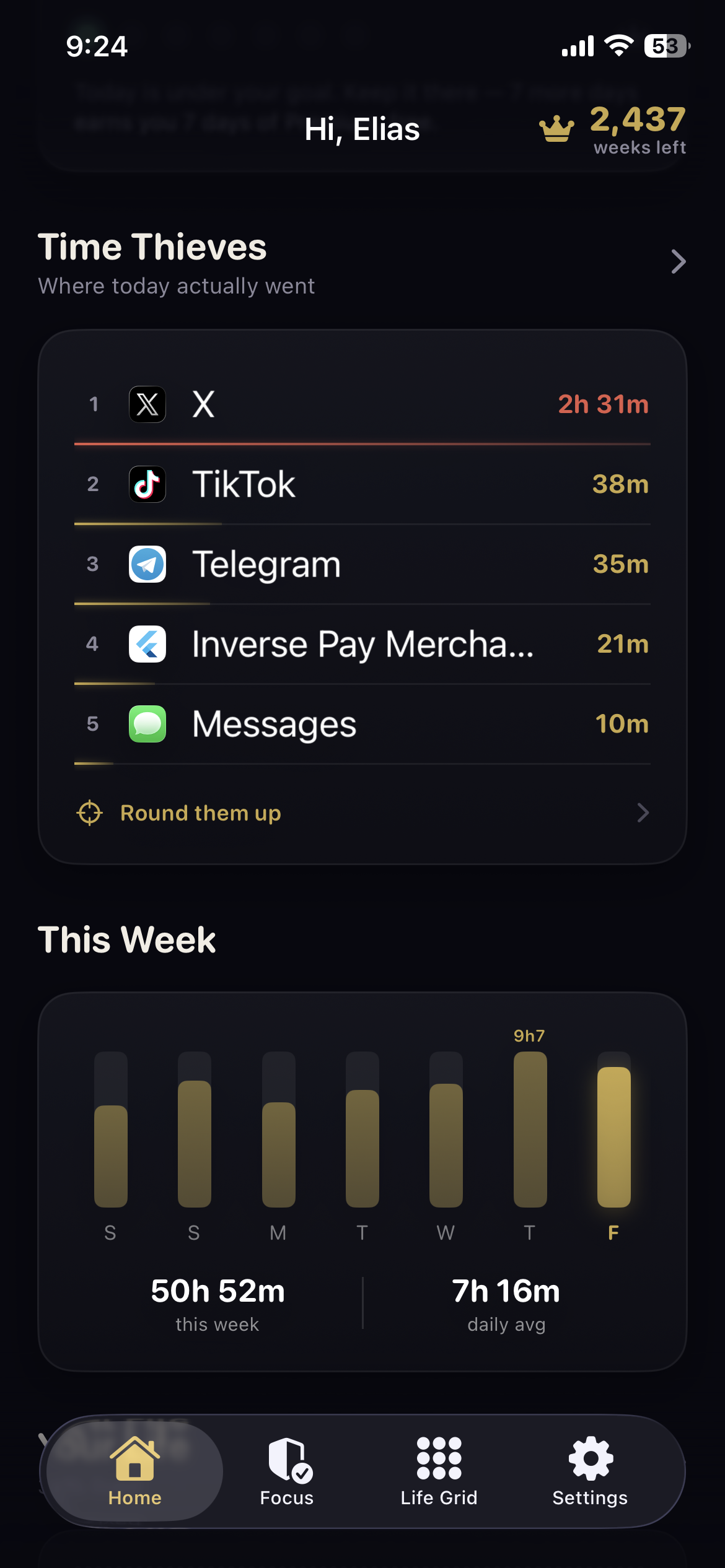
Where today actually went
Your apps ranked by the hours they quietly took. Round the worst offenders into a daily budget in a single tap, and they lock themselves down when it runs out.
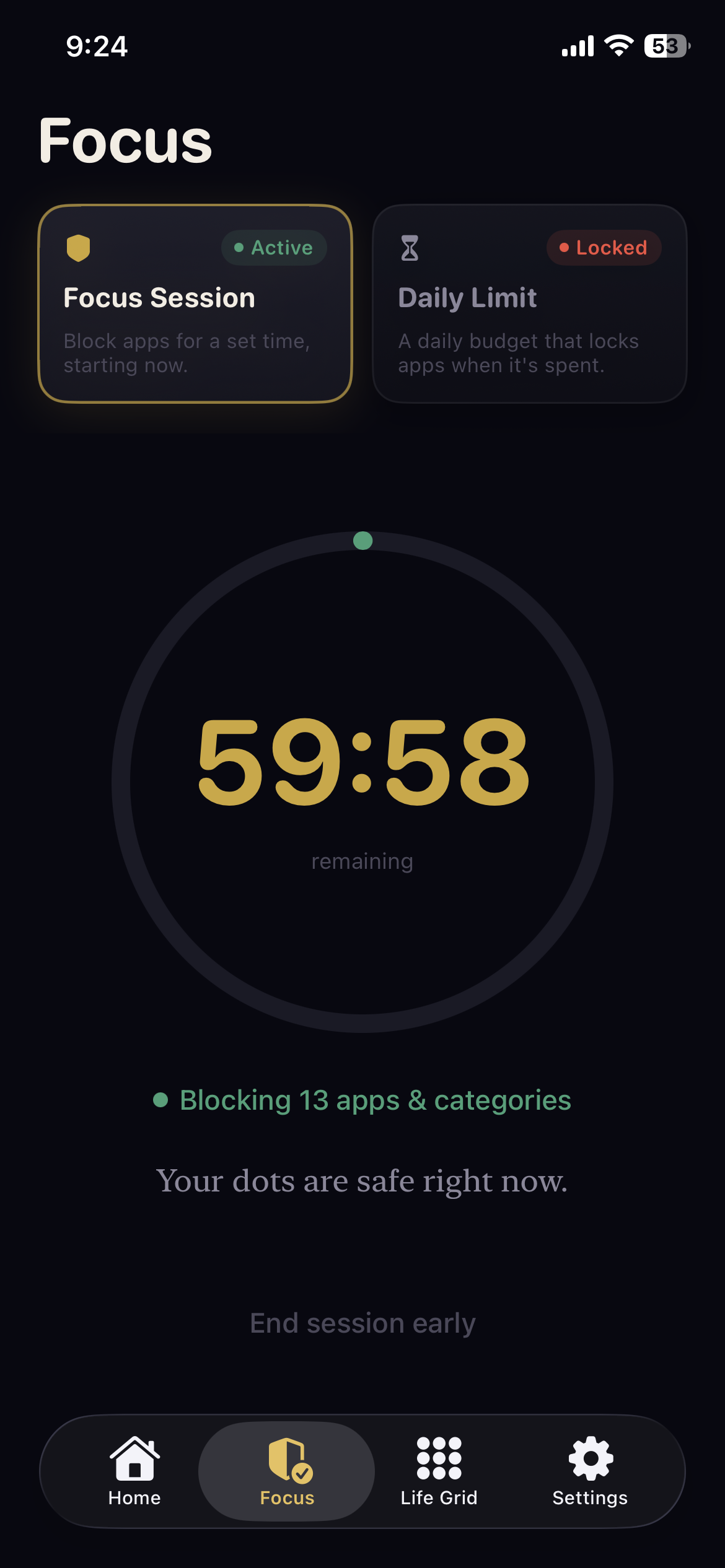
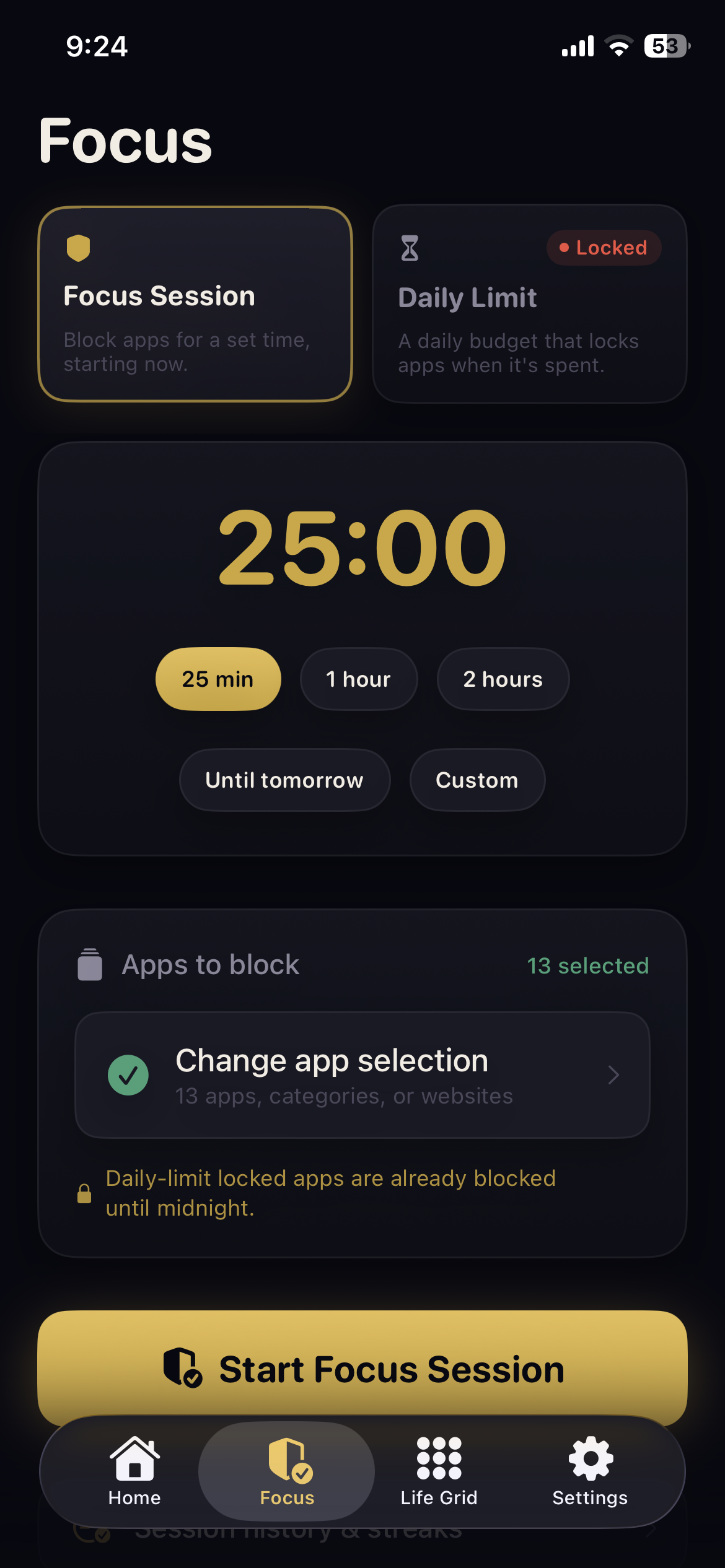
A budget that actually holds
Spend your daily allowance and the apps lock until midnight. Need to concentrate now? Start a Focus Session. Unlocking early costs you five quiet minutes of waiting, or money that is meant to sting.
Discipline pays, not just dollars
Stay under your goal seven days running and a week of Premium is yours, free. The app pays you back in the currency it cares about.
Say it out loud
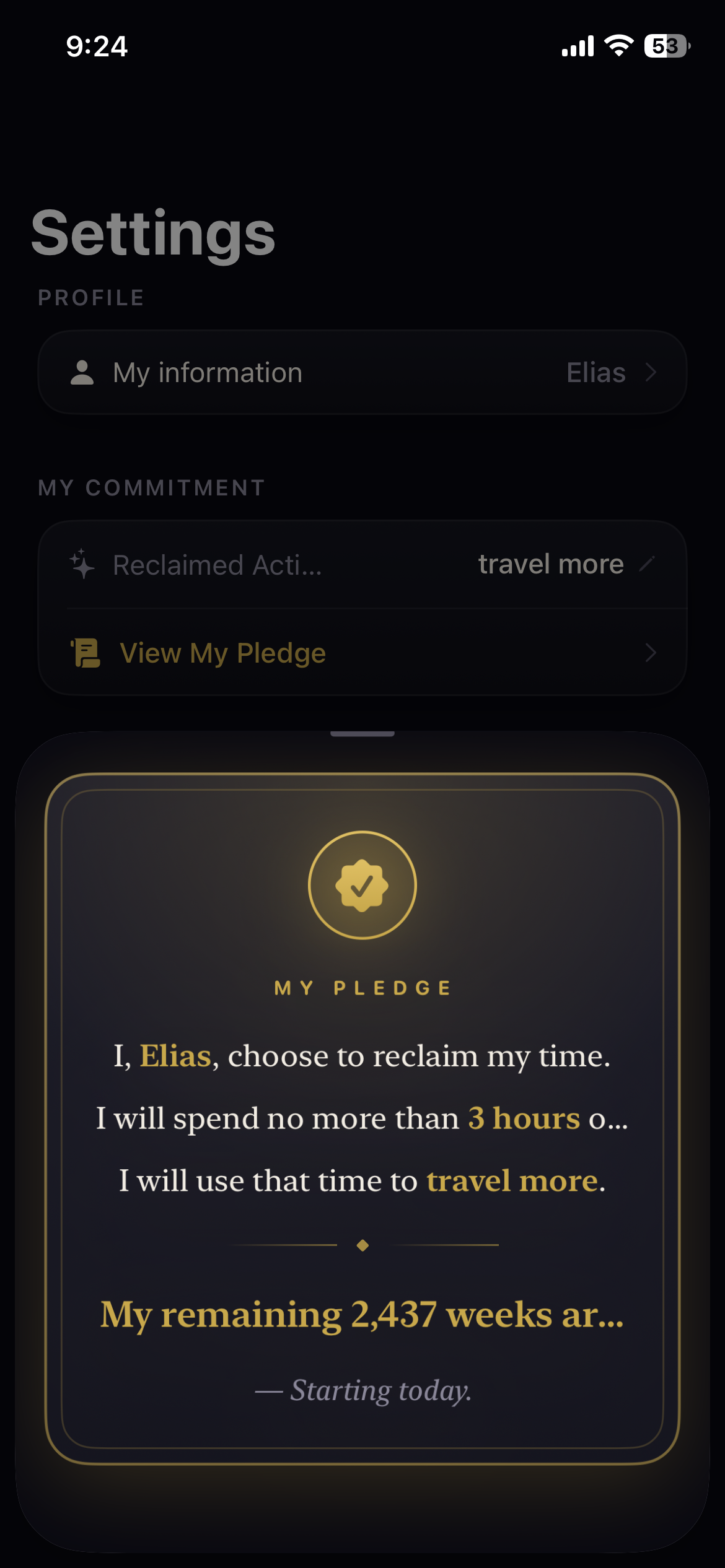
Sign a personal pledge with your name, your goal and your remaining weeks, then share one card that commits you to it in public.
From abstract to action, in four steps.
DOTS uses Apple's Screen Time framework, so the numbers are the real ones your phone already records.
Approve Apple's Screen Time permission. The data stays on your device.
Your age becomes lived weeks, your habit becomes the weeks it costs.
Pick the apps and the daily budget you can actually live with.
Seven days under goal earns a free week of Premium.
Your screen time is nobody's business.
DOTS reads what Apple already records and keeps it where it was: on your phone. There is no account to make and no server to leak.
- ✓Screen Time data never leaves the device.
- ✓No account, no email, no sign-in.
- ✓No ad networks and no third-party trackers.
- ✓Delete the app and the data goes with it.
Take your weeks back.
Free on the App Store. Your life, drawn honestly, in about thirty seconds.
Requires iOS 26.1 or later. iPhone and iPad.