 KeepOrBin
2 sec
Per photo decision
Your camera roll is 12,000 photos you will never scroll through again. KeepOrBin makes clearing it a two-second decision, locks the private ones in a vault only you can open, compresses the videos hiding your gigabytes, and never sends a single frame off your phone.
Runs fully on-deviceNo accountNo ads
One photo, one decision, two seconds.
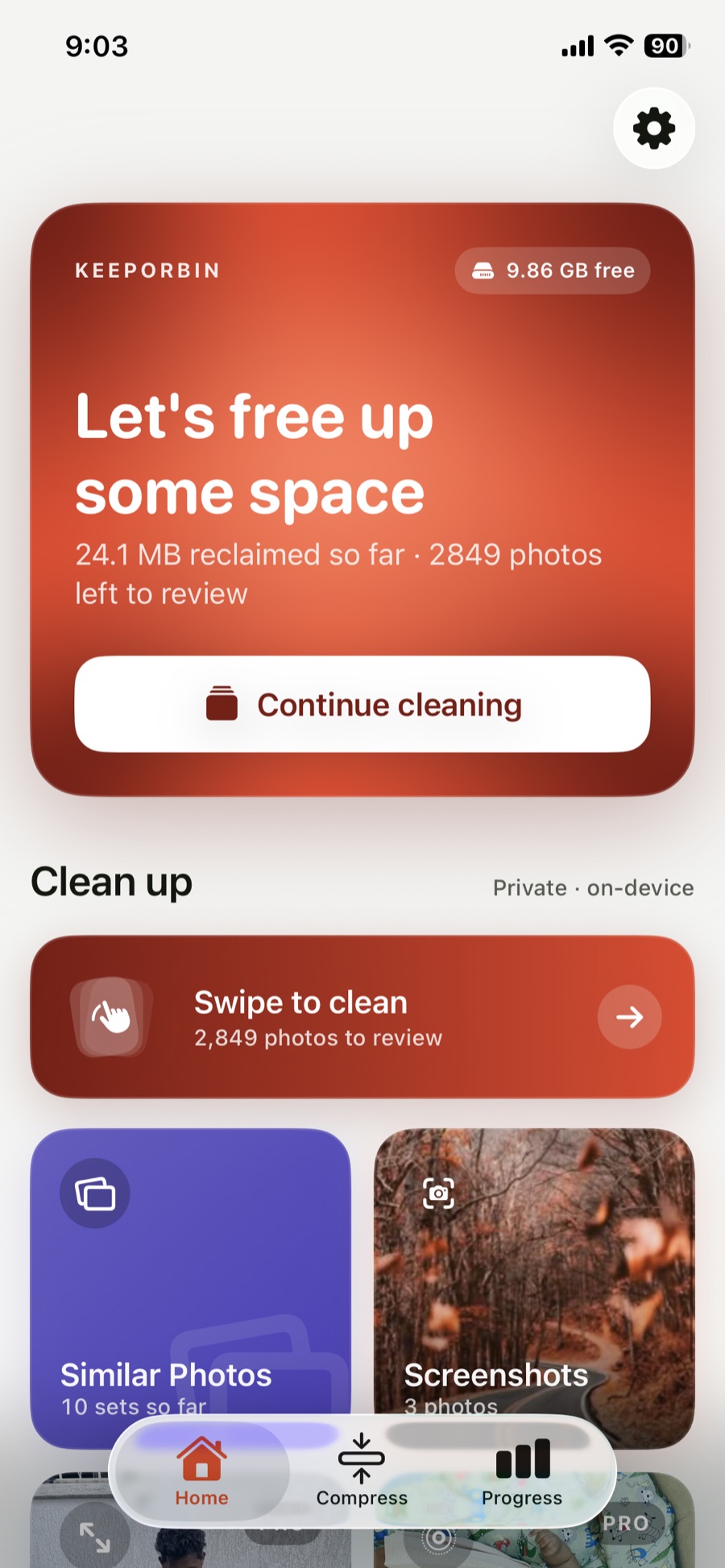 → Keep
← Bin
→ Keep
← Bin
Right keeps, left bins, up locks a photo in a vault only you can open, and down saves it for later. The vault is encrypted on your iPhone, with no account and no uploads.
The popular ones charge by the week, some as much as $11.99 every seven days, to delete files you already own after uploading them to somebody's server. KeepOrBin takes the opposite position.
One photo at a time, full screen, no grid to squint at. Undo any swipe instantly. It is the only cleanup method people actually finish, because it never asks you to think about more than one photo.
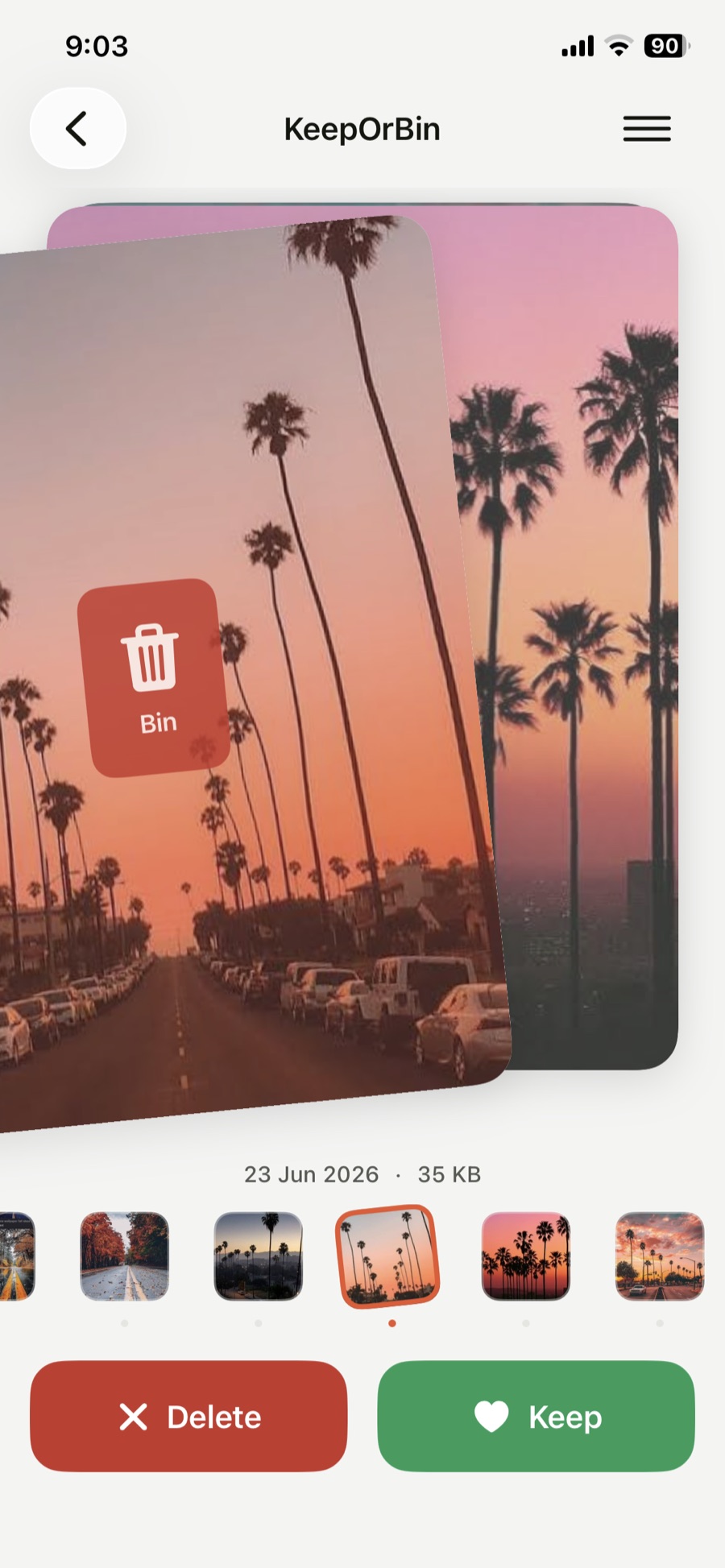
Every shot fills the screen, so the near-identical burst of eleven is obvious and the one good frame is easy to keep. You move fast because you can actually see.
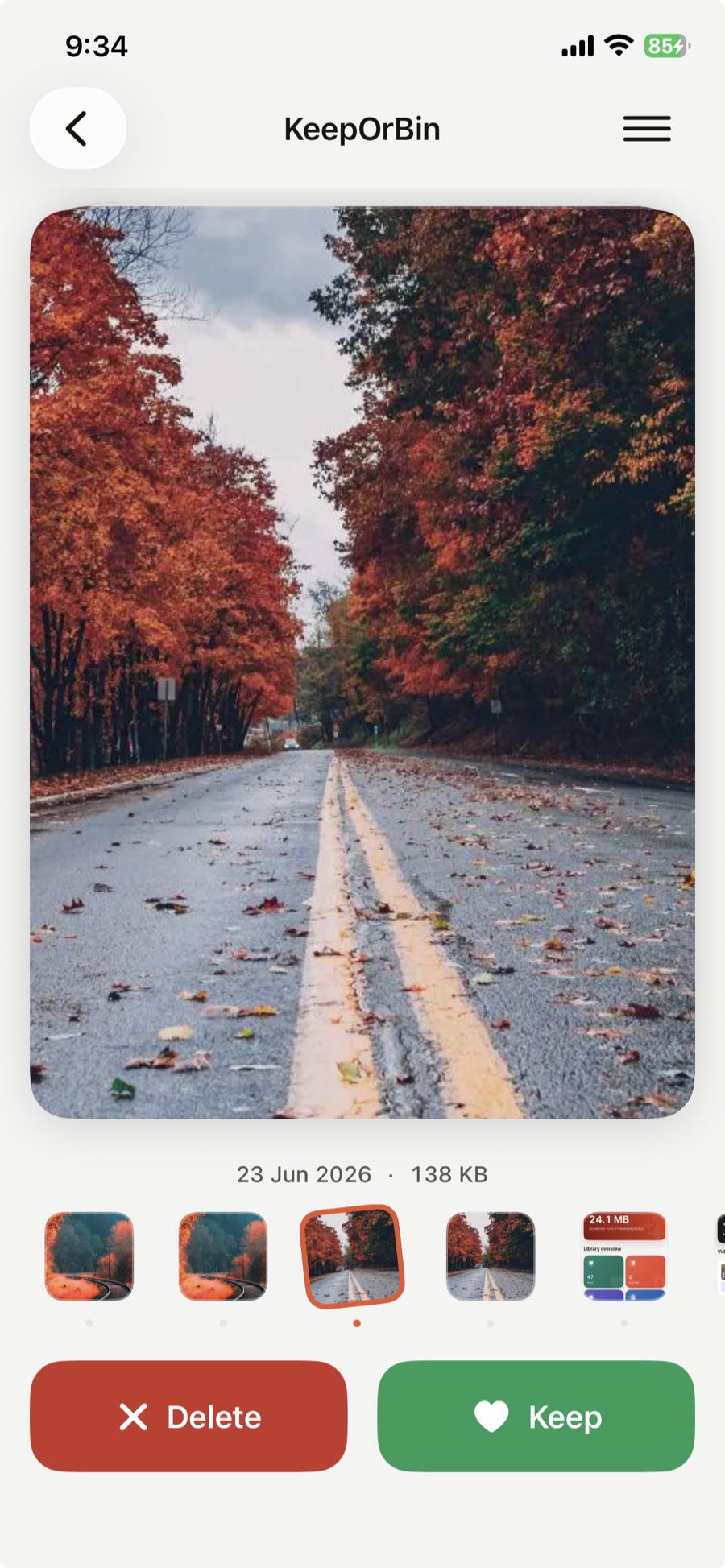
KeepOrBin ranks your videos biggest-first, shows exactly what each one will save before you commit, then re-encodes it on your device. Up to 70% smaller, and you keep the memory.
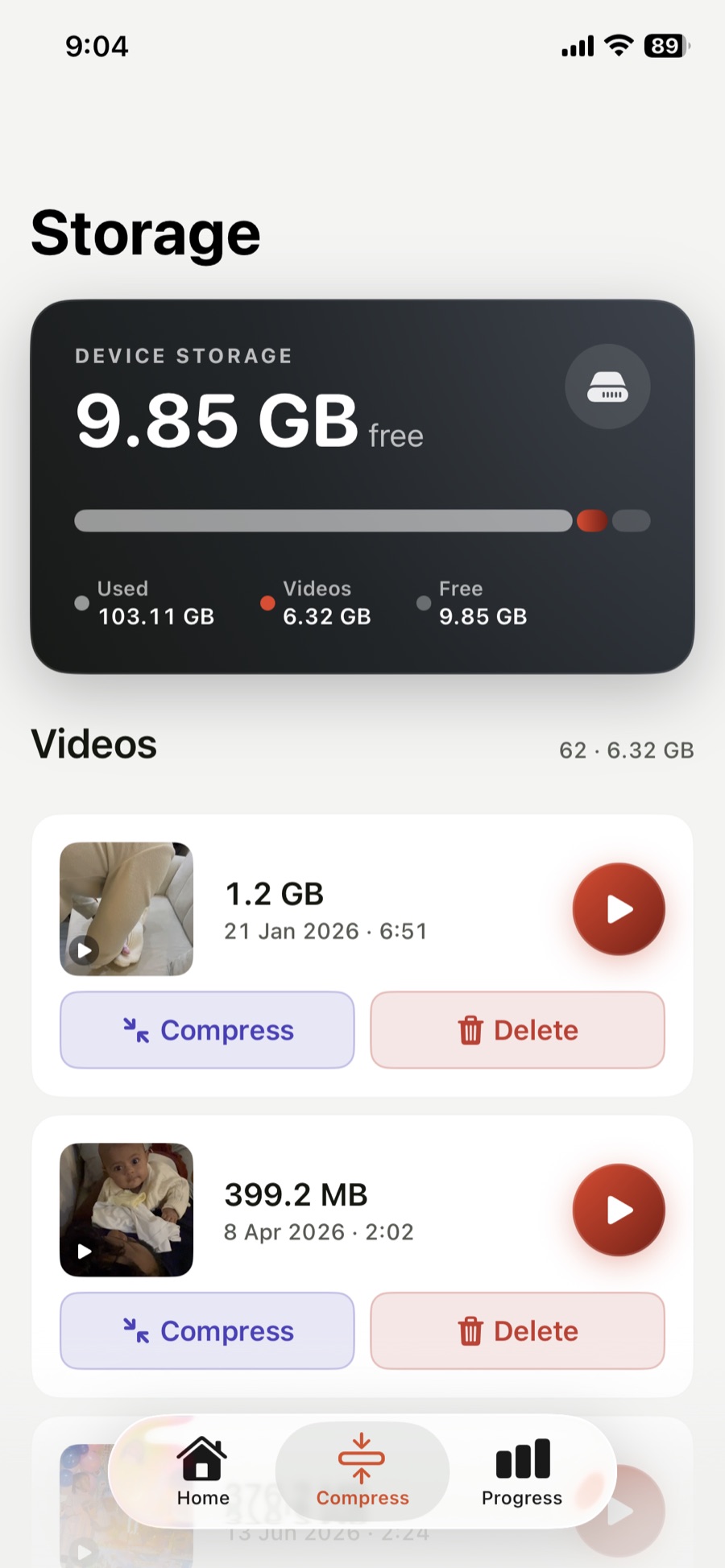
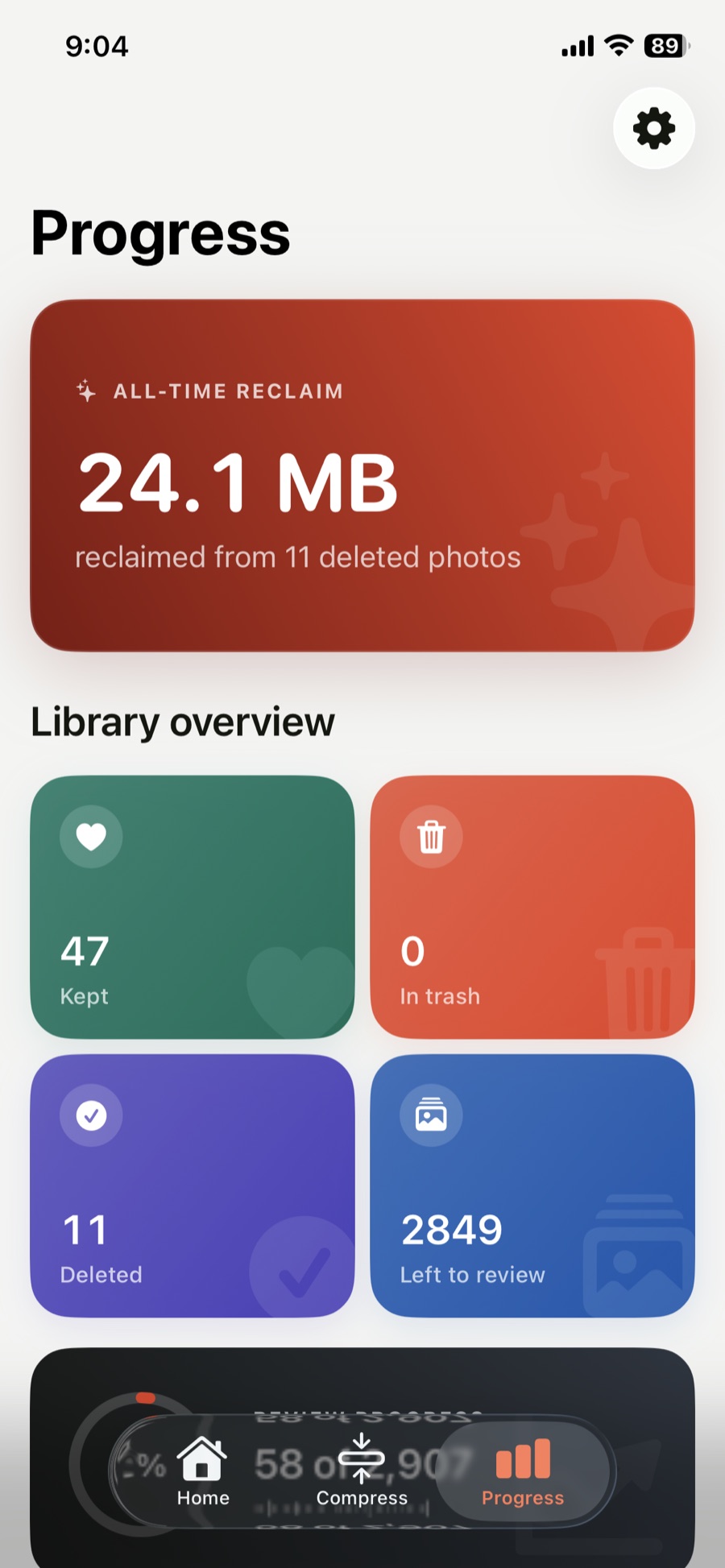
A running tally of everything you have reclaimed, so the work is visible. This is the part that makes people come back and finish the other 2,000 photos.
Allow access to your photo library. It is read locally; nothing is uploaded.
Work through the roll one card at a time. Keep, bin, undo.
Pick a quality for your biggest videos and let the device re-encode them.
Review the bin before anything is deleted, then empty it and take the space back.
Not to us, not to a cloud, not to a model. The sorting, the compression and the analysis all run on your device, which is also why it works on a plane.
KeepOrBin: Photo Vault & Clean is an iPhone app by Novarch LLC that cleans your camera roll and hides private photos. Swipe right to keep a photo, left to bin it, up to lock it in a private vault, and down to decide later.
The vault is encrypted on your iPhone. There is no account and nothing is uploaded. It opens with Face ID, a 6-digit PIN or a pattern.
Privacy Scan looks through your camera roll, on your iPhone, for photos of passports, bank cards, passwords and recovery phrases, so you can lock them in the vault in one tap.
Yes. The free version includes the cleaner, Privacy Scan, a vault of up to 5 items and 2 video compressions a day. KeepOrBin Pro adds an unlimited vault, a decoy PIN or pattern, app icons and every cleaning tool, for $19.99 once or $4.99 a month in the US. Prices differ by country.
Binned photos wait in KeepOrBin's trash until you confirm. Deleting always goes through iOS's own confirmation, and deleted photos stay in Recently Deleted for 30 days.
No. Everything happens on your iPhone. There are no ads, no tracking and no analytics.
iPhone and iPad with iOS 17 or later.
Free to download. Pro is $19.99 once or $4.99 a month, and nothing ever leaves your phone.
Requires iOS 17 or later. iPhone and iPad.